October 11, 2023
The solution here is intended to solve the Launch X431 Bluetooth VCI connection problems.
1. Bluetooth connection failed

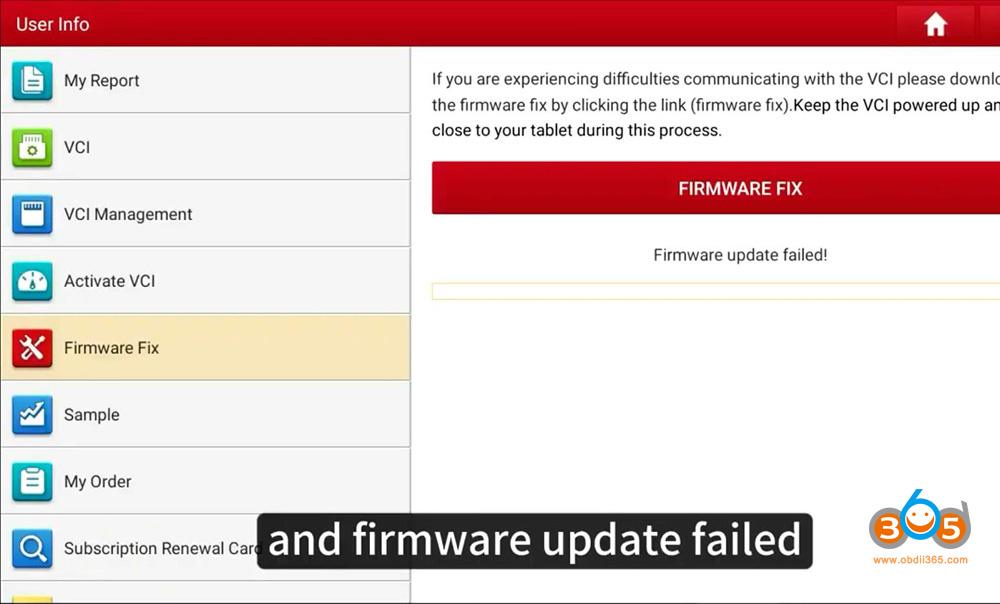
2. Firmware update failed

The solution can be applied to all Launch X431 tablets with DBScar (V, VII) VCI connector, includingX431 V,X431 V+,X431 ProS,X431 Pro3S+etc

First plug the VCI into the vehicle and make sure the ignition is on and the indicator turns on.
Select Setting, the Bluetooth is named after serial number


Select Connected device select previously connected device tap, Pess Setting-> Forget->Forget Device.


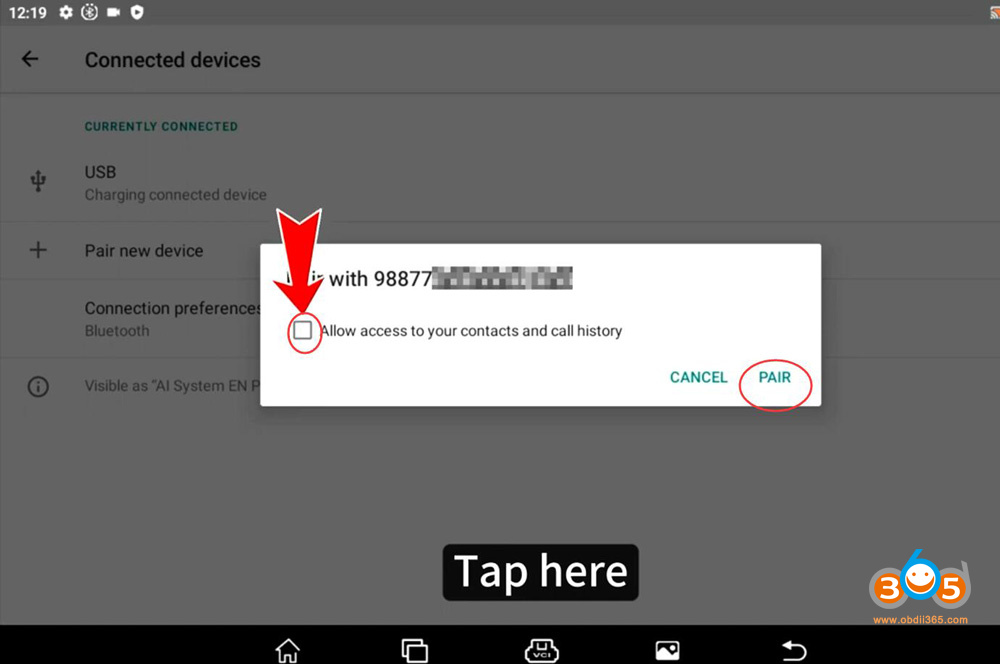
Unplug the VCI and wait for 20 seconds, plug in the VCI again and X431 will pop up a prompt in Bluetooth searching page


Select Pair
Run X431 software, select User Info->Firmware Fix->Firmware Fix

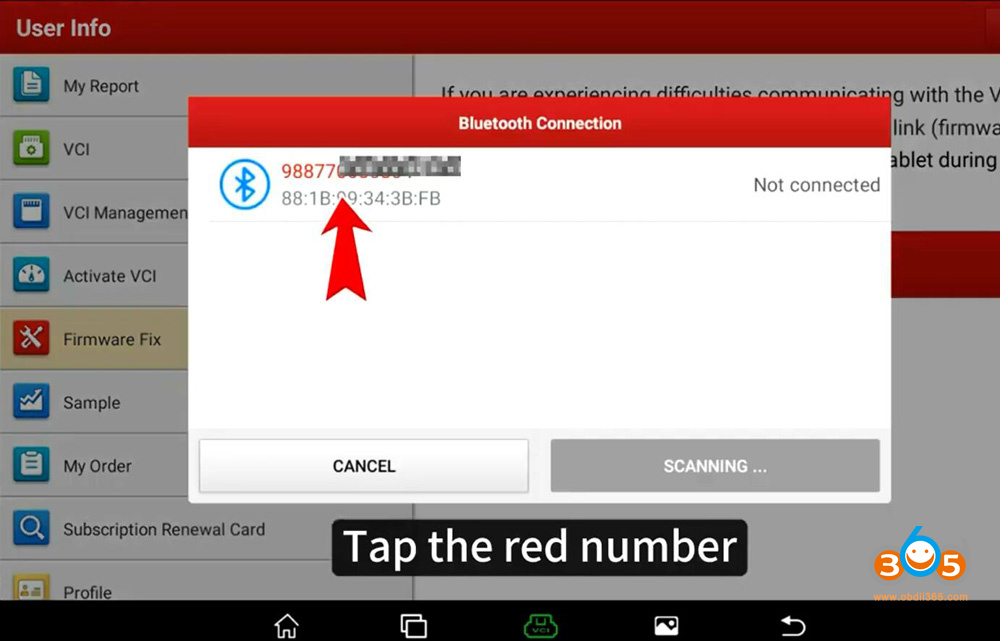
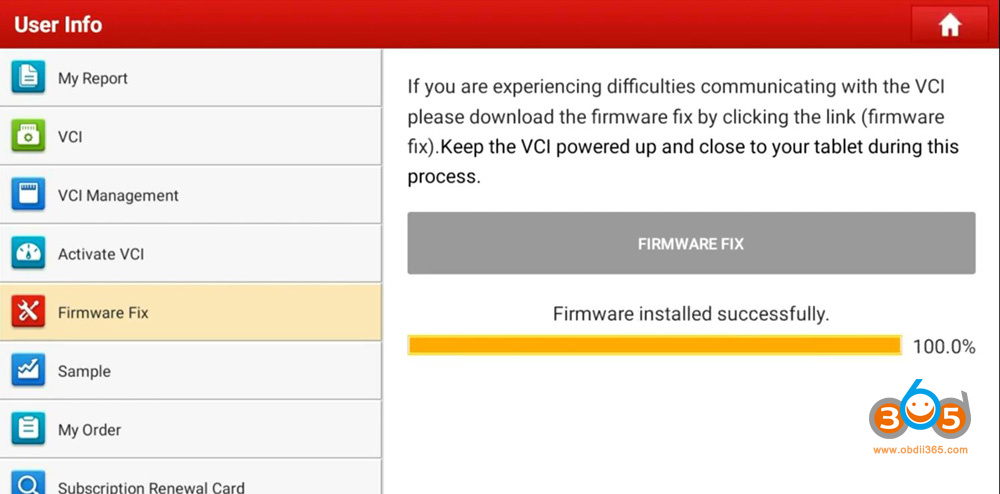
Select the serial number and wait until firmware installed (updated) successfully.
https://www.obdii365.com/service/launch-x431-bluetooth-and-firmware-update-failed-solution.html

Posted by: jean at
06:44 AM
| No Comments
| Add Comment
Post contains 136 words, total size 15 kb.
35 queries taking 0.0775 seconds, 195 records returned.
Powered by Minx 1.1.6c-pink.