



January 11, 2022
Cannot Connect to GM MDI2 Solved by Formatting SD Card

Here comes the solution toGM MDI/MDI2multiple interfaces cannot connect the device, the software doesn't recognize the device problem.
Cannot connect to MDI problem usually can be solved by mdi firmware upgrade, checkHow to Update GM MDI & MDI2 Firmware?
If failed to update firmware and reported an error 'MDI software is out of date', you may have to format SD card.
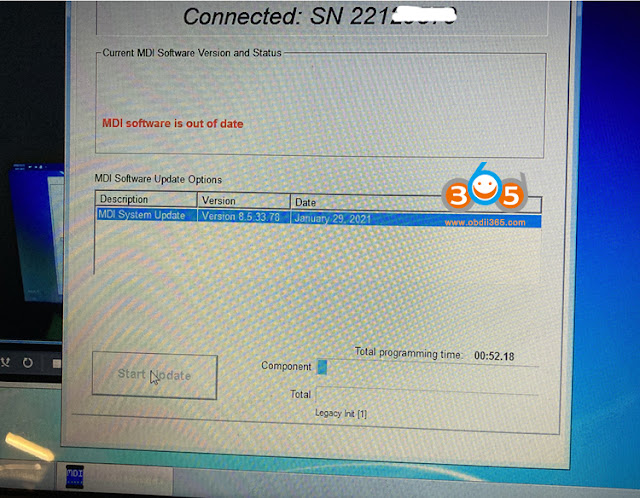
Solution:
Remove MDI/MDI2 mainboard
Take out the SD card, format SD card

or replace with a new SD card

Try connecting MDI again, it should work without issue.
Posted by: jean at
08:58 AM
| No Comments
| Add Comment
Post contains 100 words, total size 4 kb.
24kb generated in CPU 0.0136, elapsed 0.056 seconds.
35 queries taking 0.046 seconds, 199 records returned.
Powered by Minx 1.1.6c-pink.
35 queries taking 0.046 seconds, 199 records returned.
Powered by Minx 1.1.6c-pink.

