June 10, 2026
The new generationVXDIAG VCX CAN FDJ2534 scanner previously only supported GM and Ford/Mazda models. Good news—the device is now also compatible withVAG software. Here we explain how to activate the VAG authorization for VCX FD.

1.Activate License
PurchaseVXDIAG VAG Software License $35
Provide your VCX FD serial number to us activate software license manually.
2. Install driver
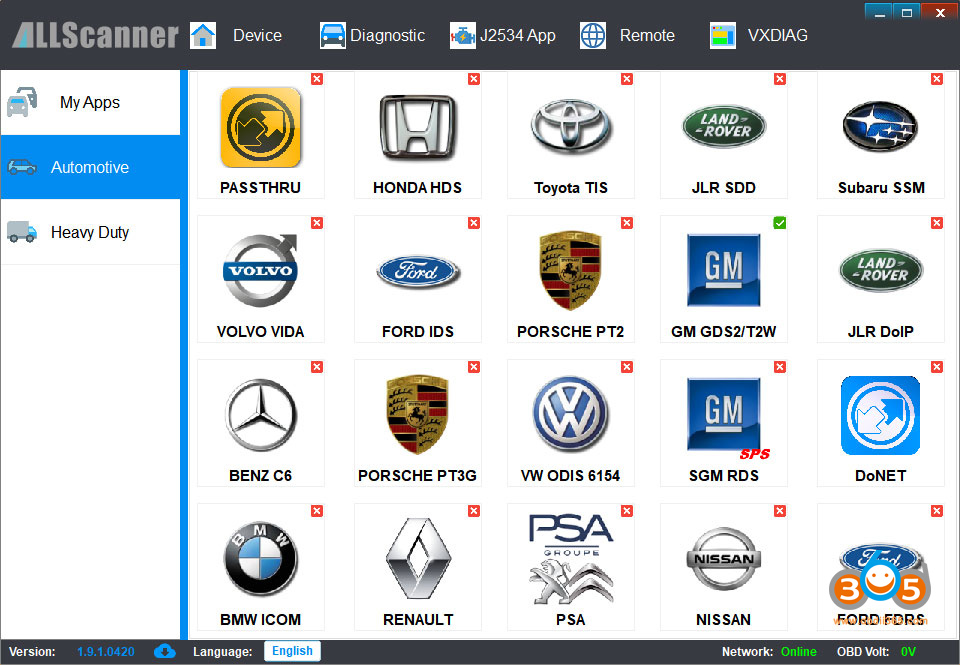
Download the correct VX Manager V1.9.1 for VCX FD.

InstallVW ODIS 6154driver and keep driver up-to-date.

3. Install Software
VXDIAG VAG license does not come with odis software by default.
Contact your supplier to download and install the software.
The VCX FD is compatible with odis-s 25.3 and odis-e v18 software.
Posted by: jean at
07:47 AM
| No Comments
| Add Comment
Post contains 117 words, total size 4 kb.
35 queries taking 0.0782 seconds, 199 records returned.
Powered by Minx 1.1.6c-pink.