February 06, 2026
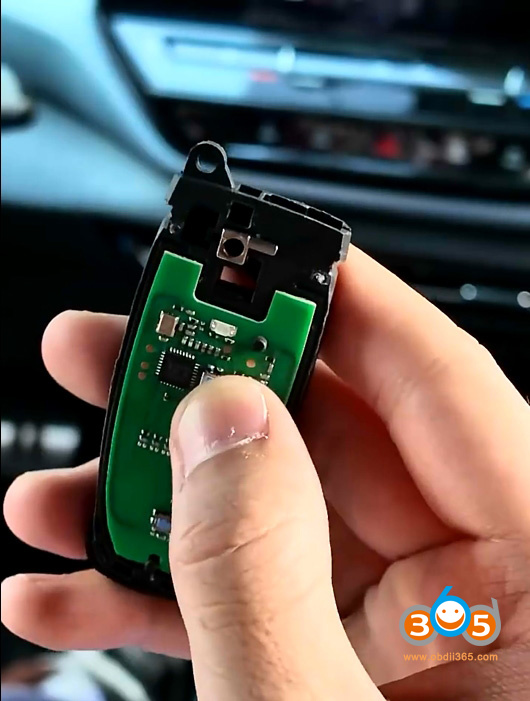
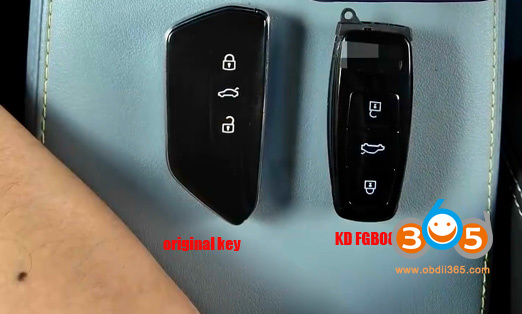
Keydiy now launchedKD FGB08VAG MQB49 5D smart remote PCB with built-in program. It can be used to add 5D key without UWB function.

How to program KD FGB08 5D key withKeydiy KD-X4?
Check instruction here:
First of all, we read the data from original key data and obtain a service code.
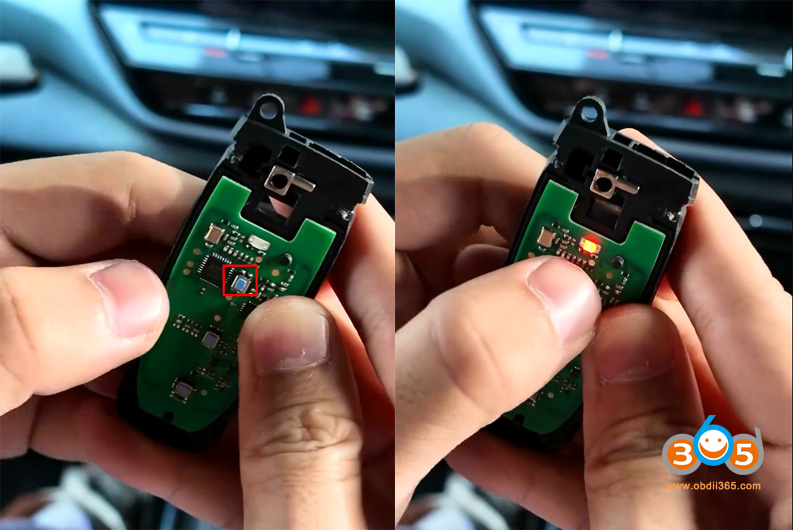
The FGB08 remote comes without key shell. Need to install a key shell.
On the key board, the last two buttons are currently unresponsive. This is normal. Their functions will activate after the learning process is complete.


Then we start to generate and learn FGB08 key.
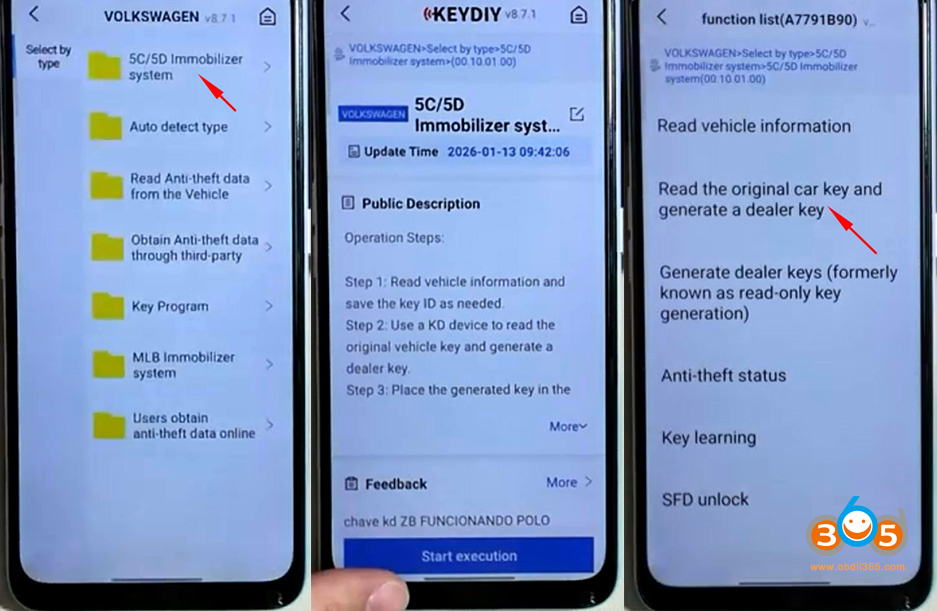
In KD App, select IMMO Programming-VW- 5C/5D Immobilizer System- Start execution.
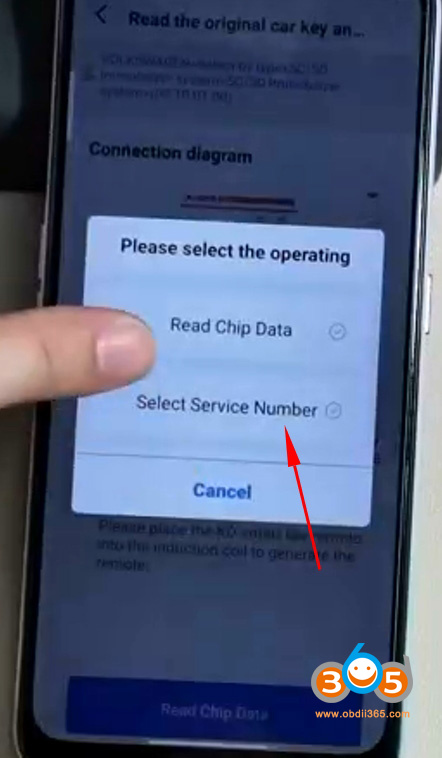
SelectRead original car key and generate a dealer key.

We already read the original key data, select service code.

Then select the corresponding service code.
Then KD-X4 will ask key type.
ChooseKD FGB typeremote.
Select frequency.
Insert FGB08 key with shell into KD-X4 induction coil.

Generate FGB08 remote successfully.
Then learn FGB08 key in car. Checkstep 3 hereto complete key learning.
Posted by: jean at
08:38 AM
| No Comments
| Add Comment
Post contains 178 words, total size 7 kb.
35 queries taking 0.0475 seconds, 199 records returned.
Powered by Minx 1.1.6c-pink.