



November 06, 2024
Xhorse MVCI Pro J2534 Passthru firmware 1.3.3 adds drivers for Volvo, Renault, Nissan and PSA. Here we will show how to use mvci pro with Peugeot Citroen PSA Diagbox software.
How to Install PSA Diagbox forXhorse MVCI Pro?
Software version: Diagnox 9.85 (free to test other versions)
Operating system: Windows 11 / Windows 10 / Windows 8.1 /Windows 7
Main steps:
- Download MVCI Pro J2534 driver software
- Install Diagbox software
- Install PSA VCI driver
- Install PSA driver in MVCI Pro driver
- Configure software
Procedure:
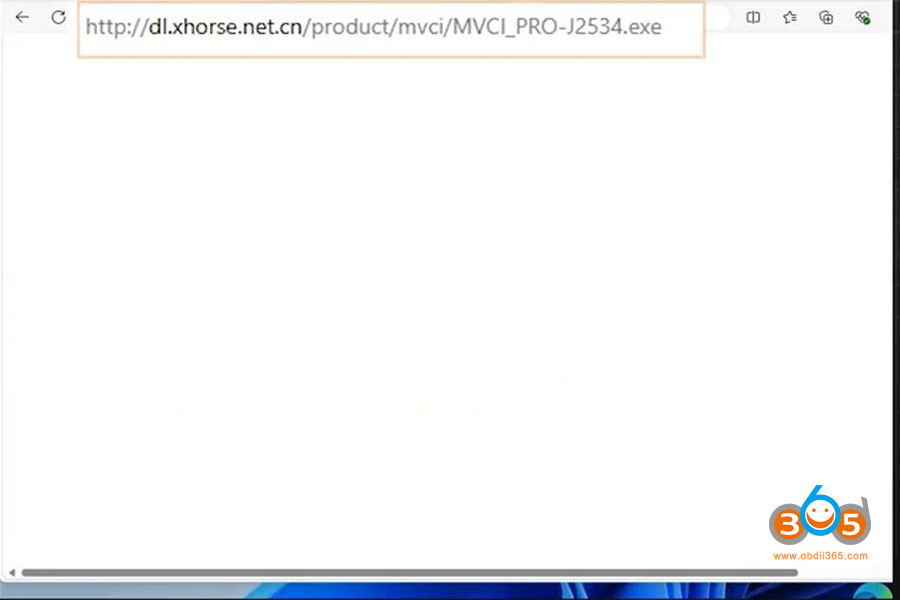
1.Download MVCI J2534 driver software here or via Mega link
2. Install Diagbox software
MVCI pro comes without software. Get software by yourself.
9.85 version may requires activation.
You can download 9.85 softwarehere


3.Install PSA VCI driver

Driver install successfully. Now connectmvci pro cablewith laptop.

4. Install MVCI pro J2534 driver

Run MVCI pro driver
Connect device and read authorization info.


Go to Vehicle Diagnosis and install the Peugeot Citroen Diagbox driver

5.Run diagbox
Run Diagbox software on desktop.
Select brand and model to diagnose vehicle.


Posted by: jean at
07:46 AM
| No Comments
| Add Comment
Post contains 186 words, total size 11 kb.
35 queries taking 0.1233 seconds, 196 records returned.
Powered by Minx 1.1.6c-pink.

