



February 28, 2024
How to RecoverLaunch CRP919E BTdiagnostic scanner screen pattern lock if forgotten?
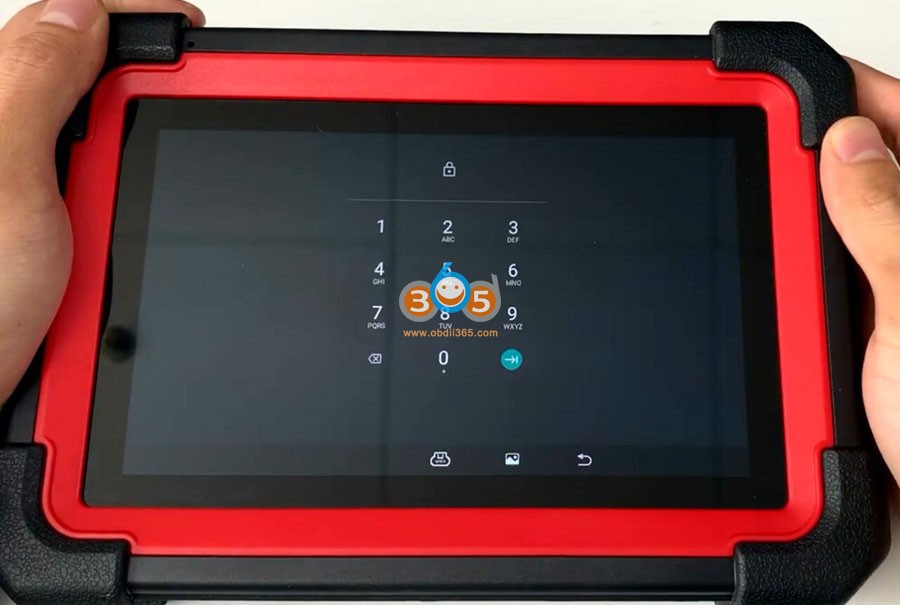
Same solution toLaunch CRP919X BT/CRP919series Android 10 diagnostic scanners.
Enter recover mode as following:
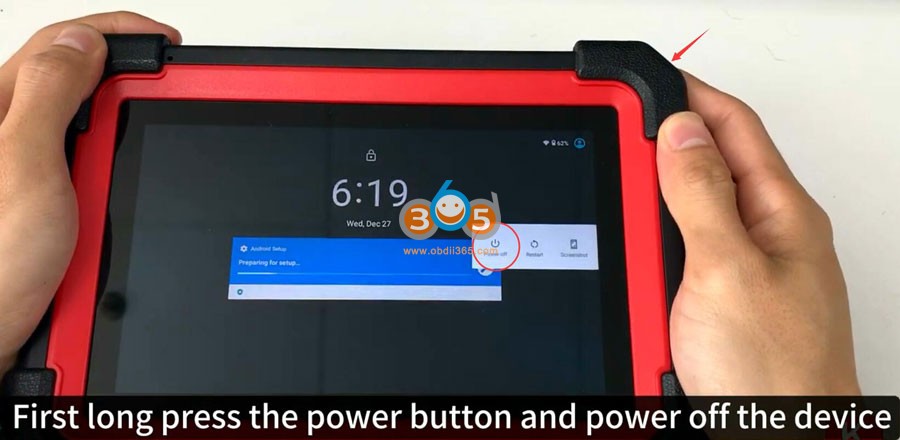
Long press power button for 3-5 seconds and power off the device
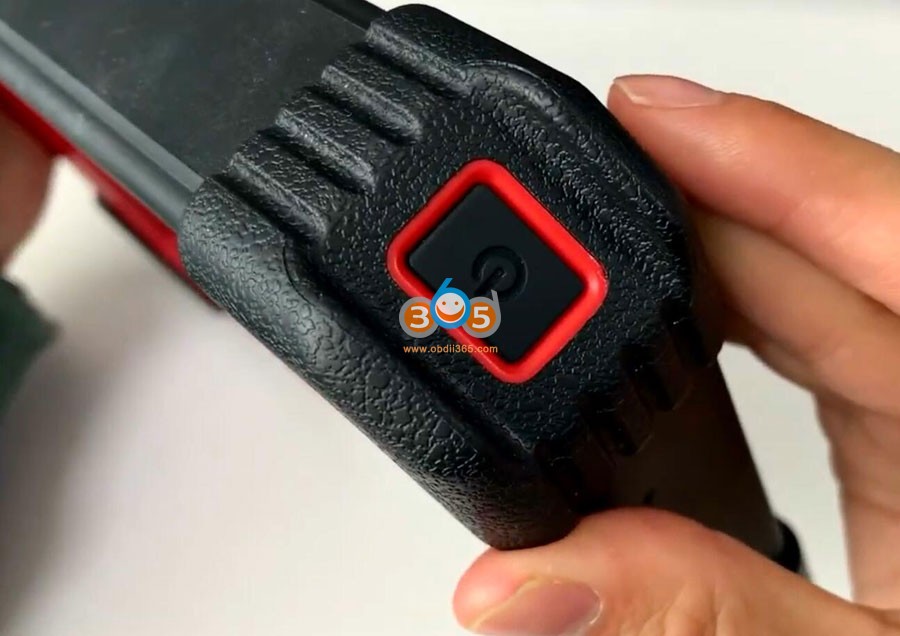
Power on CRP919 device again
When you see this LAUNCH start page, press the power button 5 times quickly
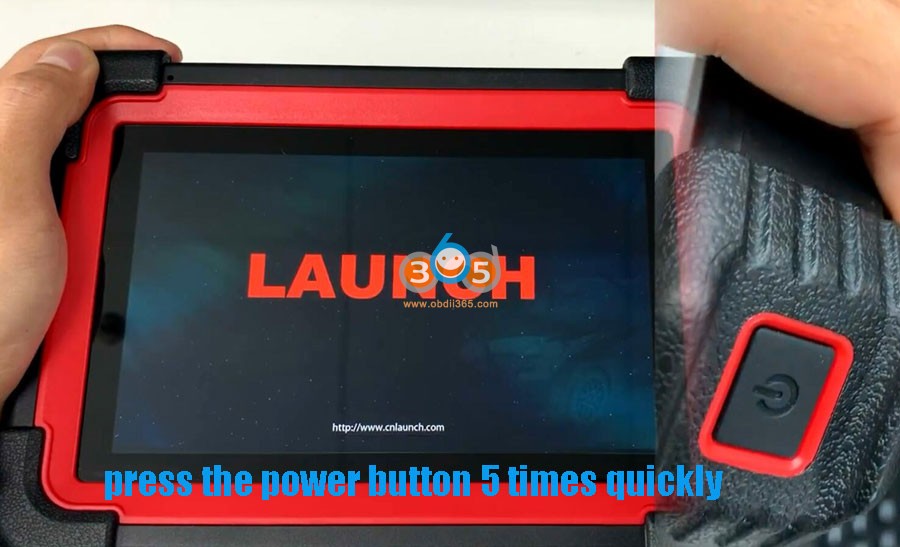
The CRP919 scanner will enter recovery page.
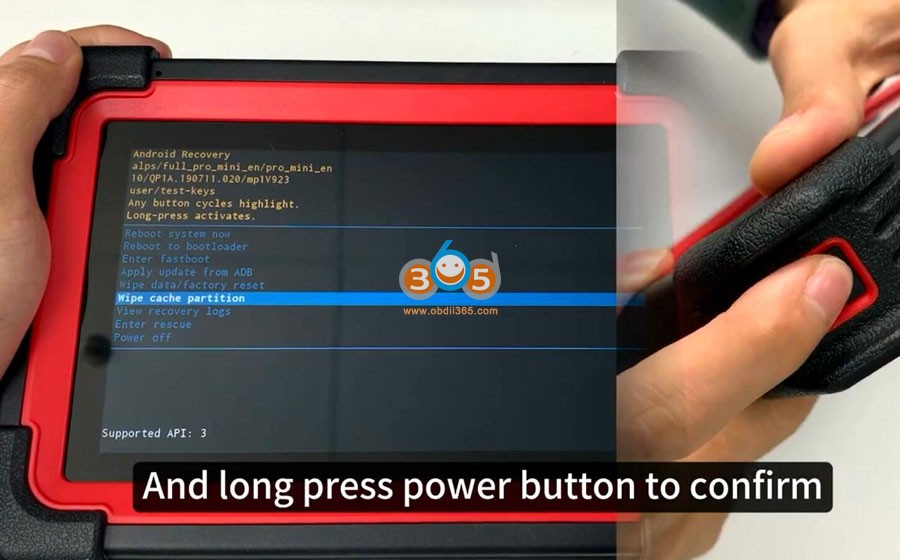
Long press the power button and selectwipe cache partitionfirst
Long press power button to confirm
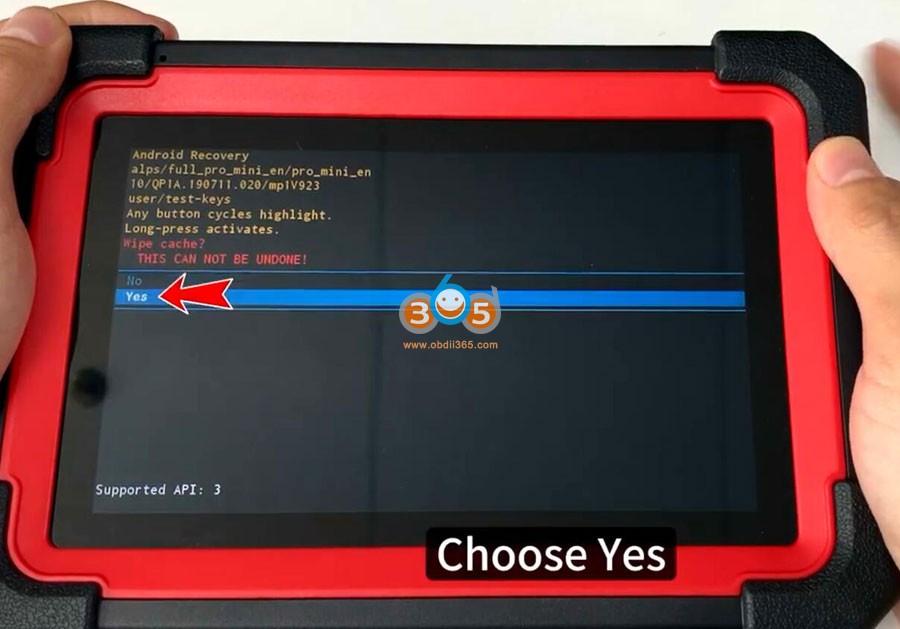
Press Yes
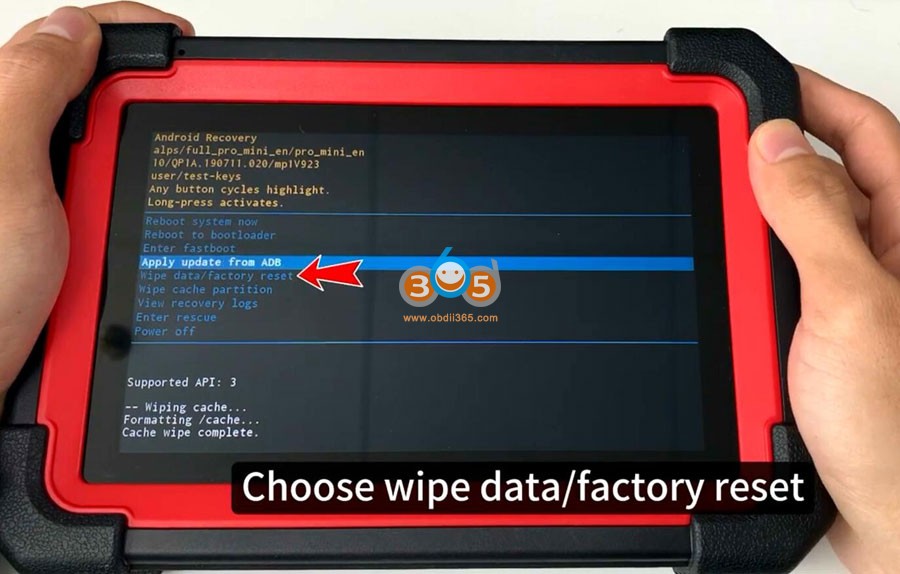
Choose wipe data/factory reset
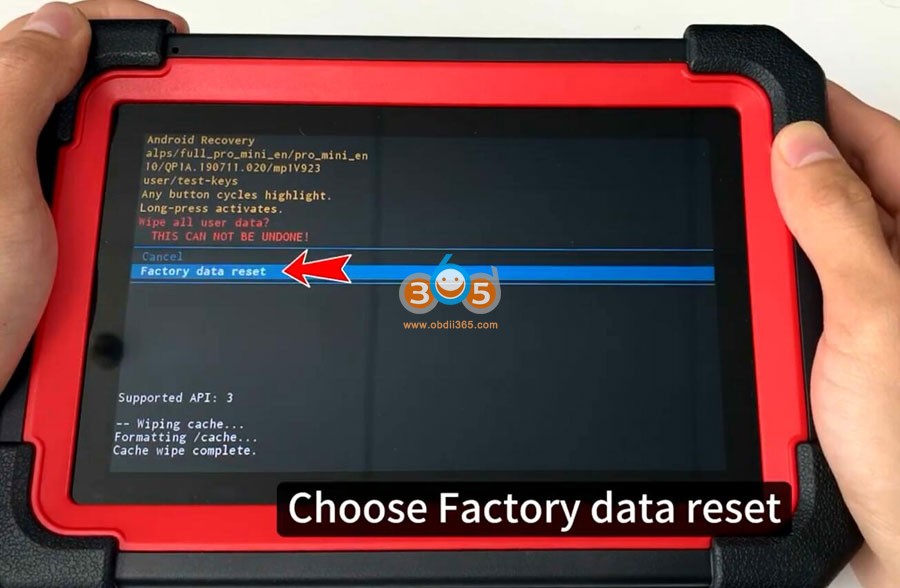
Choose Factory data reset
SelectReboot systemnow
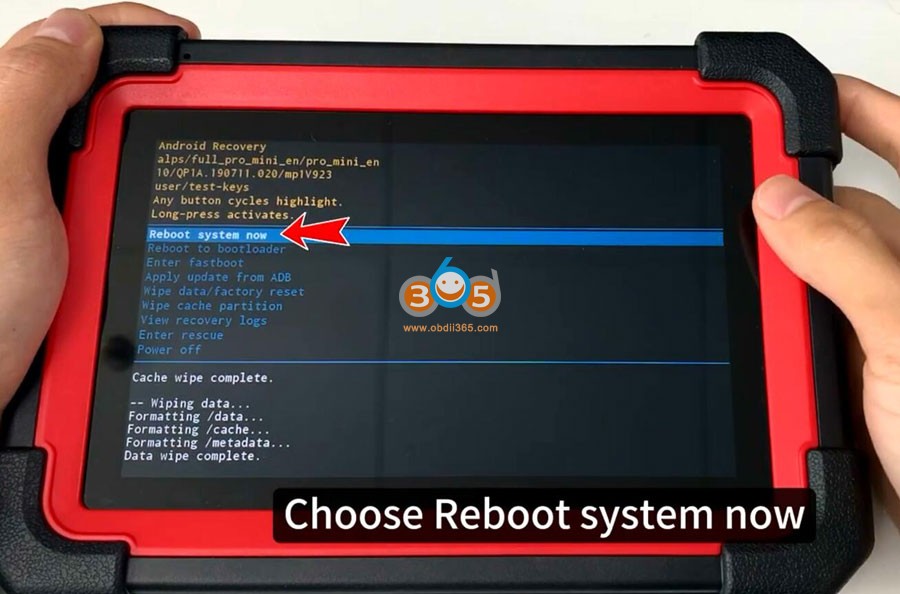
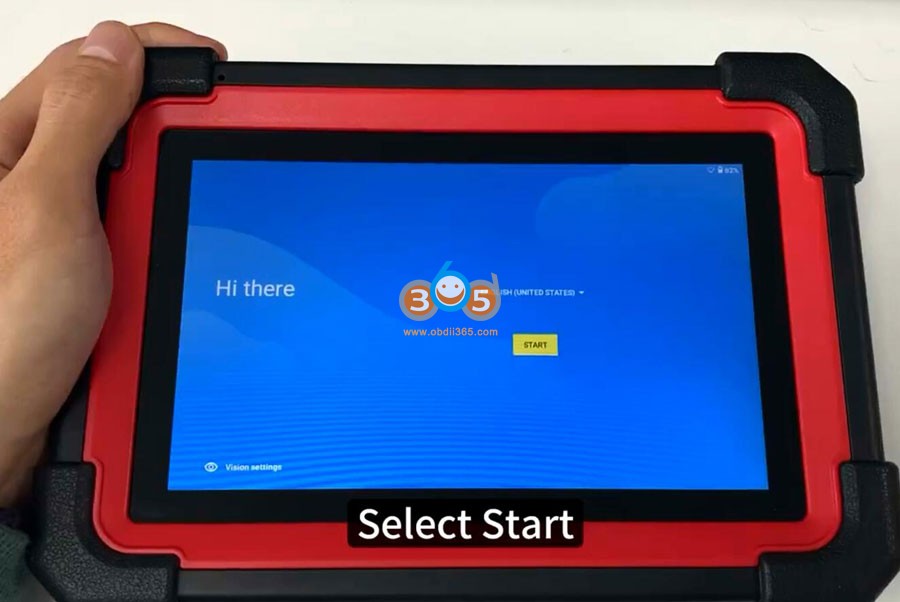
Reboot system and select Start
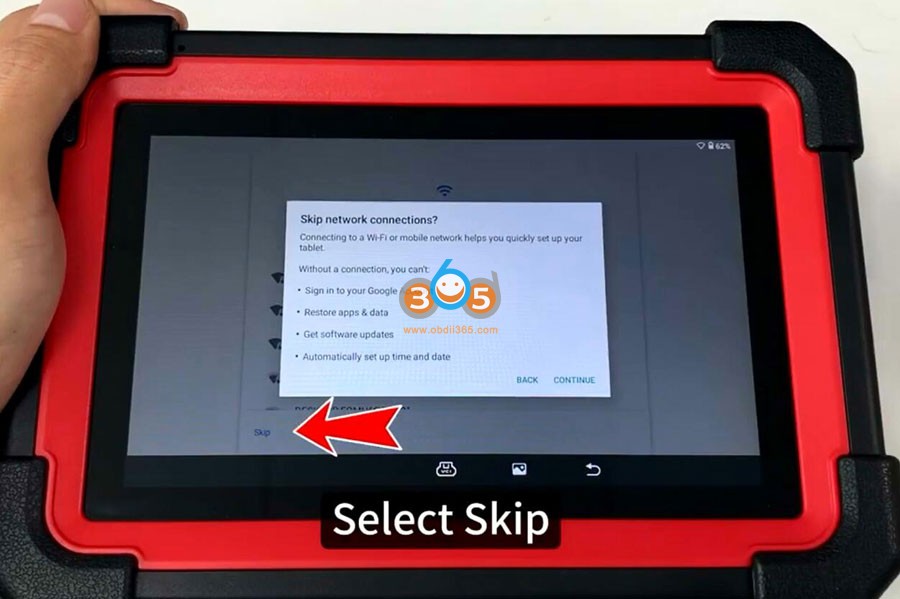
Skip network connection
Select your time zone
Accept Google service agreement
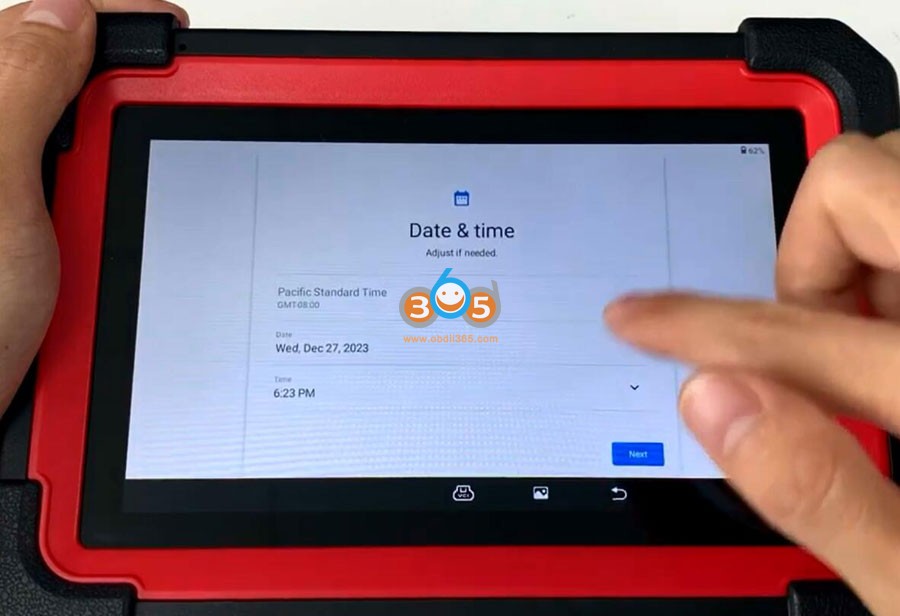
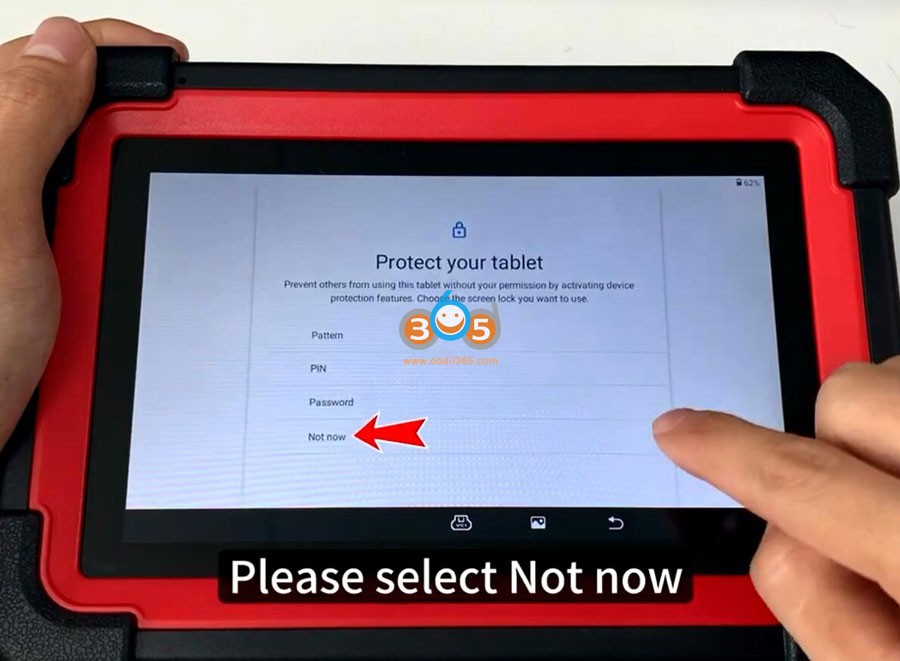
Select Not to set tablet pattern PIN and password now, press Skip anyway
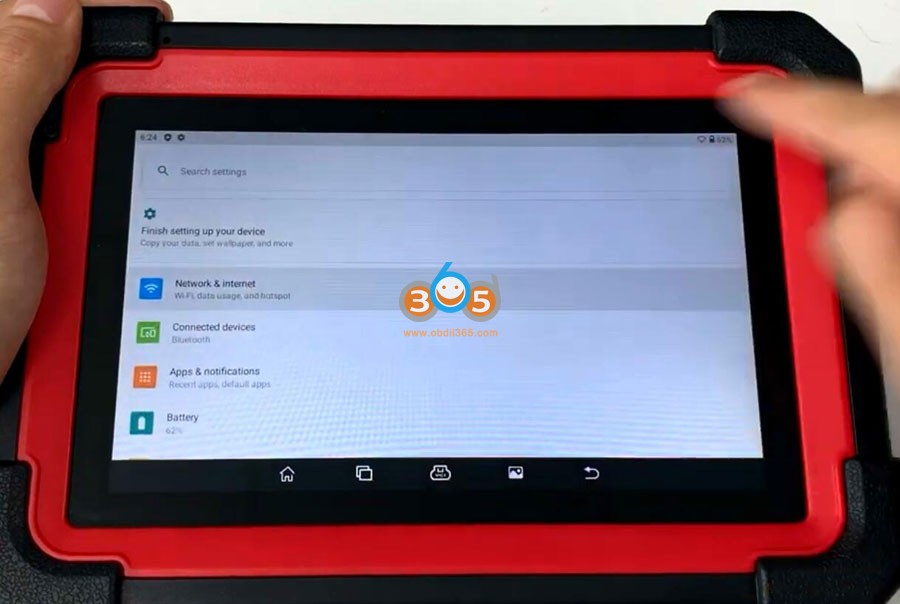
Go to Setting->Network & Internet
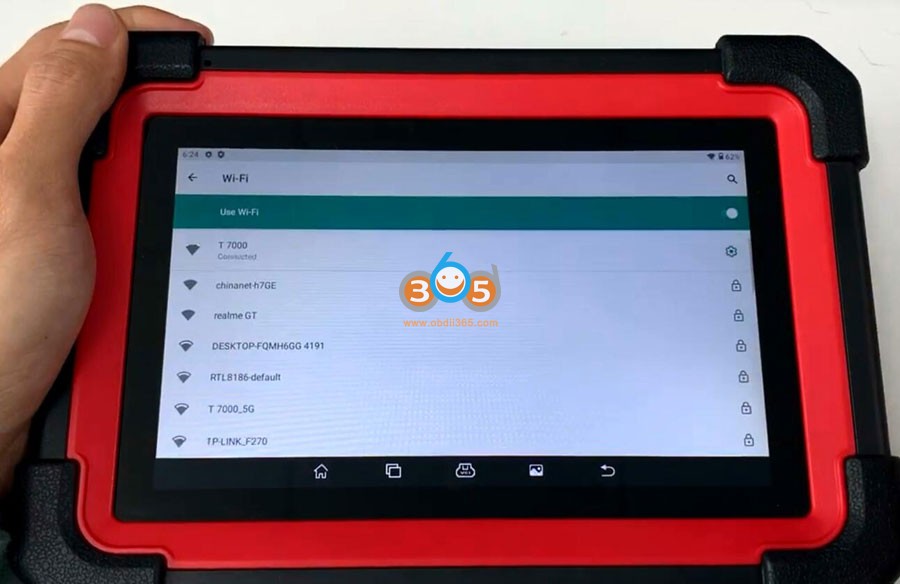
Connect your WiFi
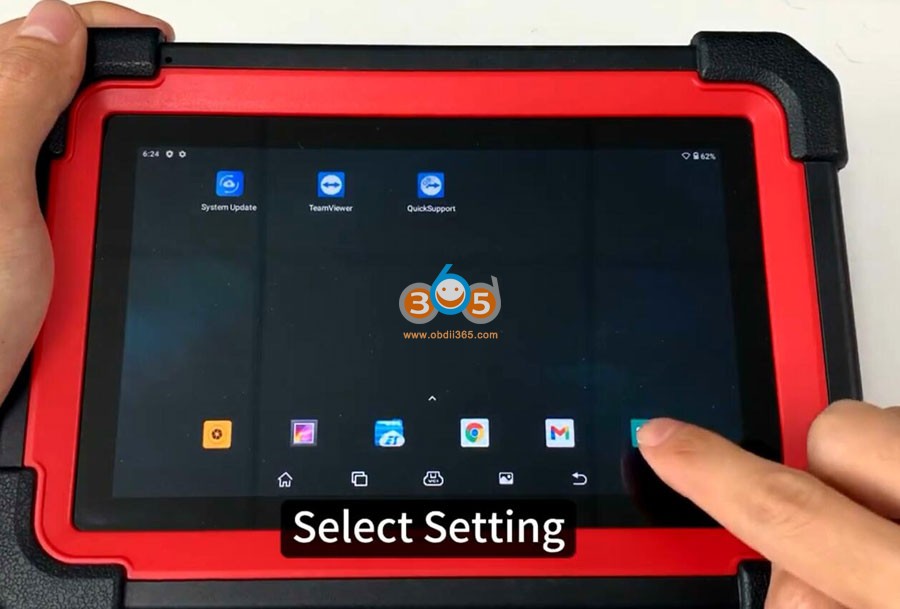
Go back to Home menu
pull up menu and you will see this menu
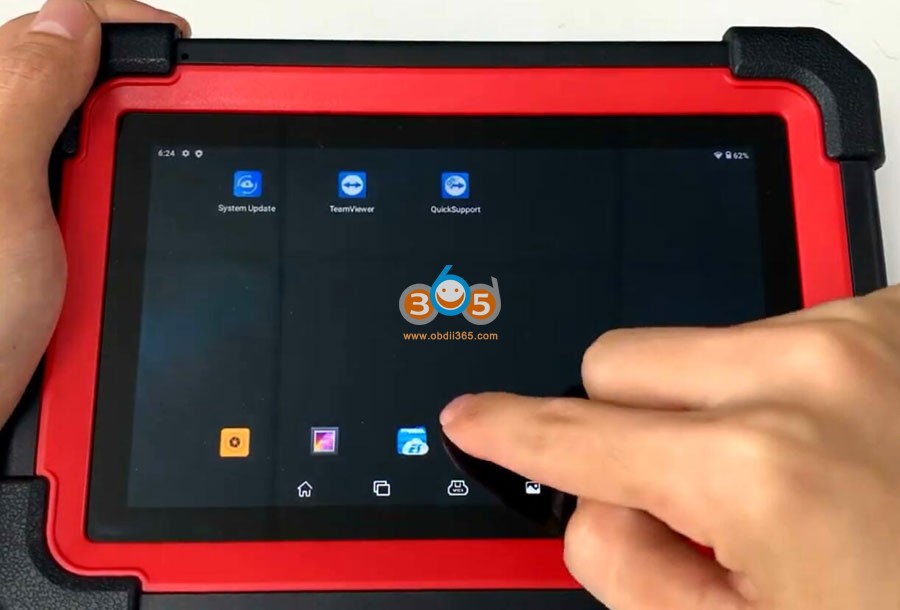
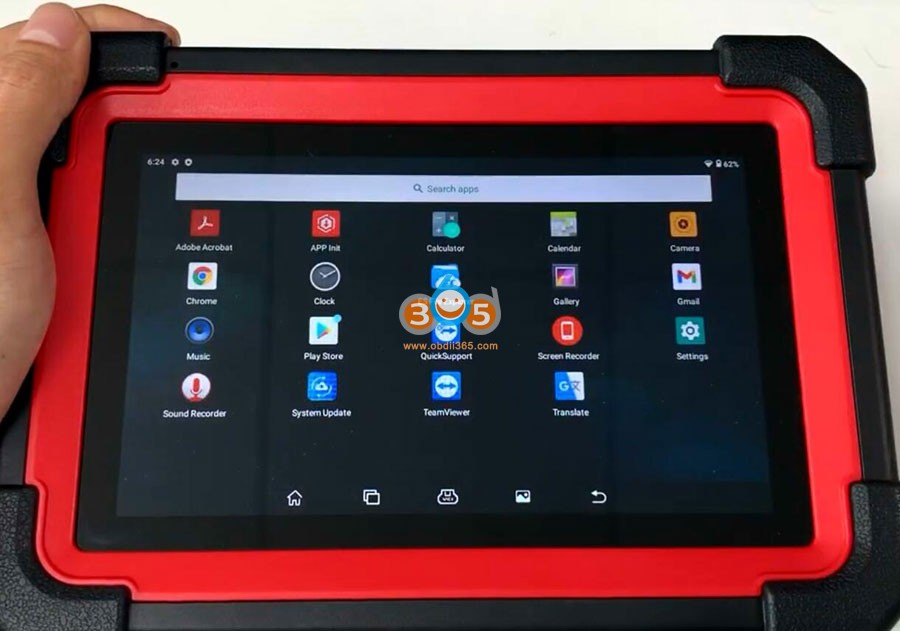
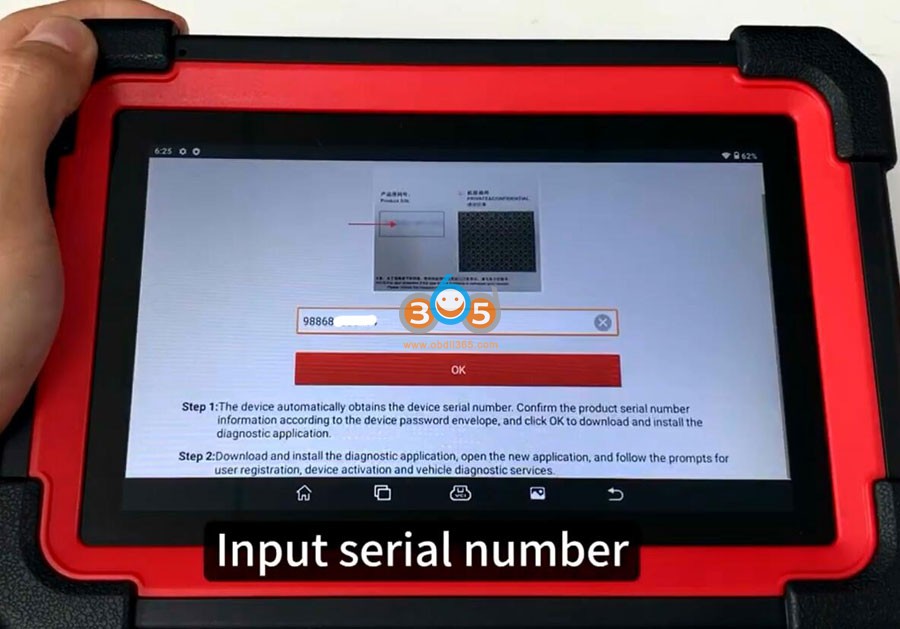
SelectAPP Init
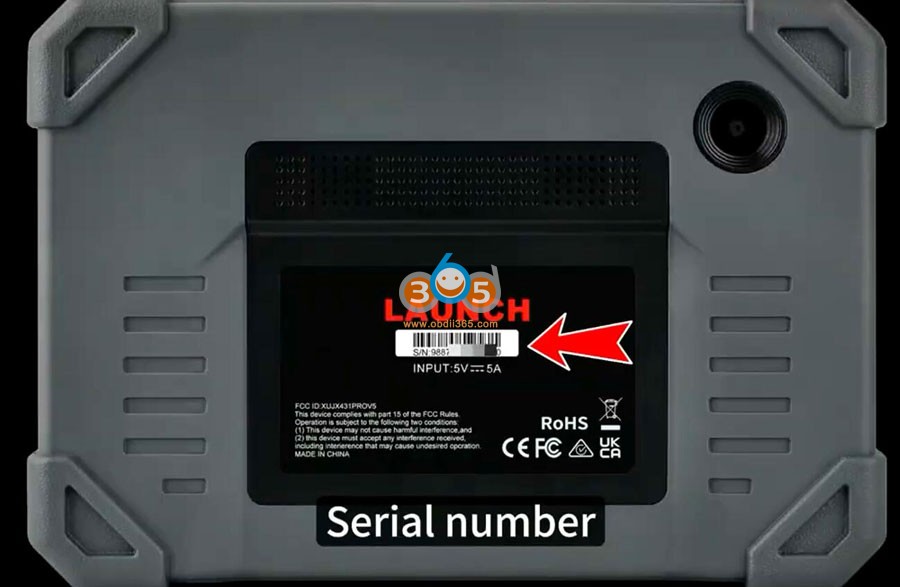
Enter serial number to access
Serial number can be found on the back of the machine
Start downloading CRP919 APP, don’t disconnect
After install App successfully, open the application
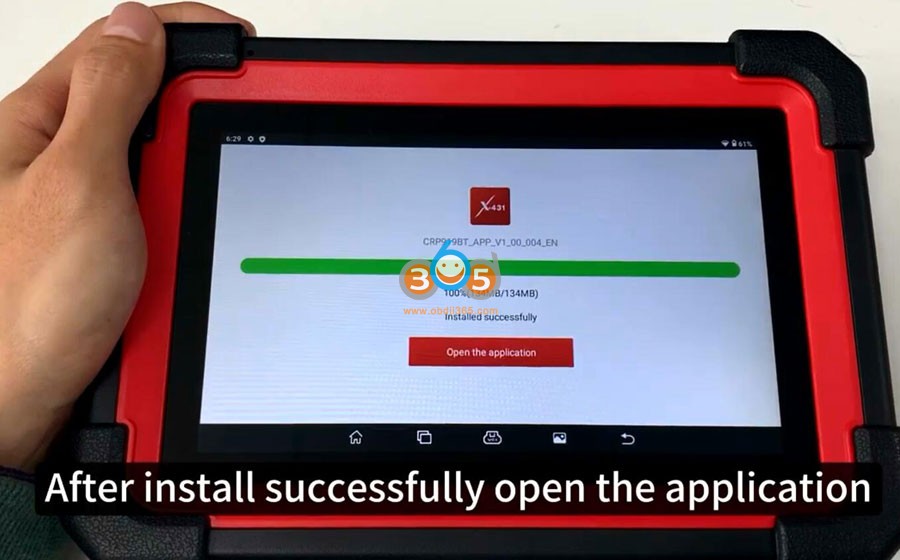
Allow CRP919 to make and manage phone calls
Allow to access device location all the time
Allow to access photos, media and files on your device
Allow to record audio
Now you can login yourLaunch CRP919scanner with user name and password
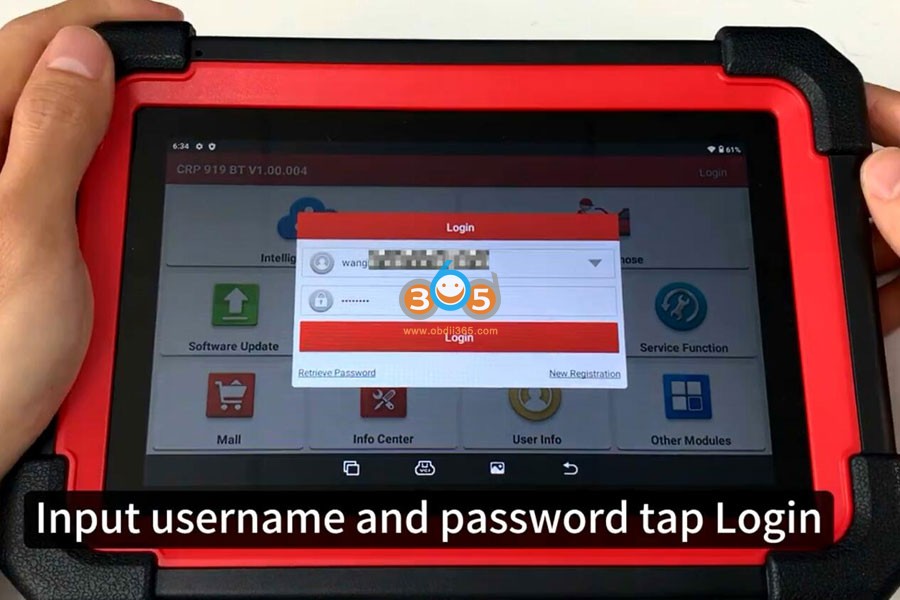
Select Update and update software
Posted by: jean at
07:19 AM
| No Comments
| Add Comment
Post contains 225 words, total size 5 kb.
35 queries taking 0.1481 seconds, 199 records returned.
Powered by Minx 1.1.6c-pink.

