October 21, 2026
Lonsdor K518 Pro and K518ISE series key programmers also support copying 2018- Jaguar Land rover smart keys without KVM removal.
Here we will show how to copy 2018- JLR new style smart key using Lonsdor devices.
Model example: 2019 Land rover Discovery.
Tools required:
Original key
New original key orLonsdor JLR smart keyto be copied.
Procedure:
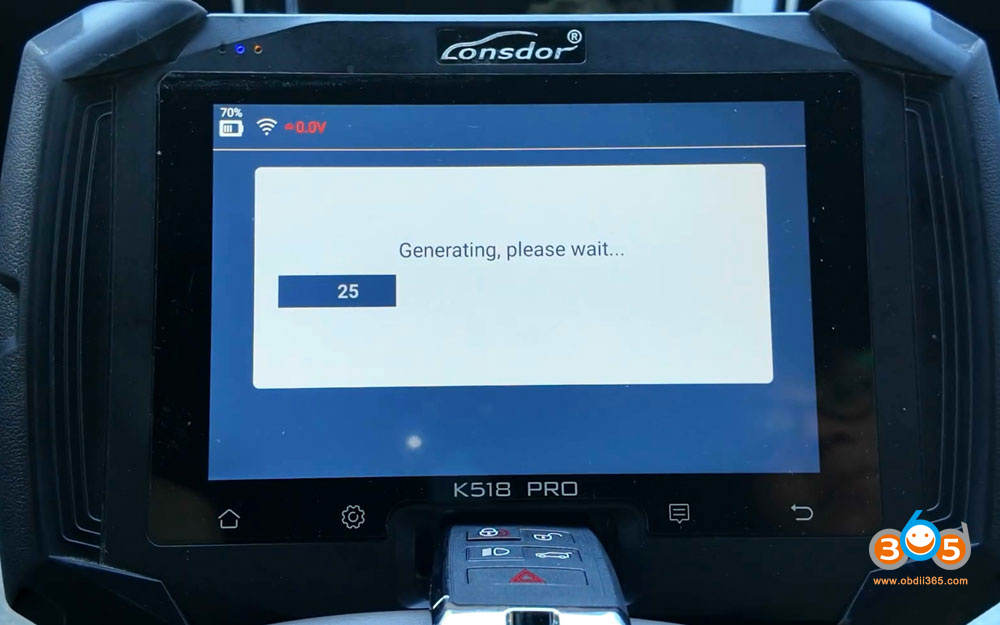
1. Generate Lonsdor key
Must generate Lonsdor key first before copying a key.
Generate Lonsdor remote under the correct remote program (2018- ID49).

2. Read Original Key Data
Go to IMMO & Remote- Land Rover- Select from vehicle- Land Rover 2018 onwards- Key copy (No KVM removal).

Read vehicle information.
Lonsdor detects that this vehicle does not have UWB function.

Select Add key (No KVM removal) function.
NOTE:
This function can copy and add key in the position of the working key.
For models without keyless entry, the generated key function is complete and can be used directly.
For models with keyless entry, the key has RKE and Emergency Start functions ONLY (no smart/UWB function) after copying is finished.
Disassemble the original key shell.
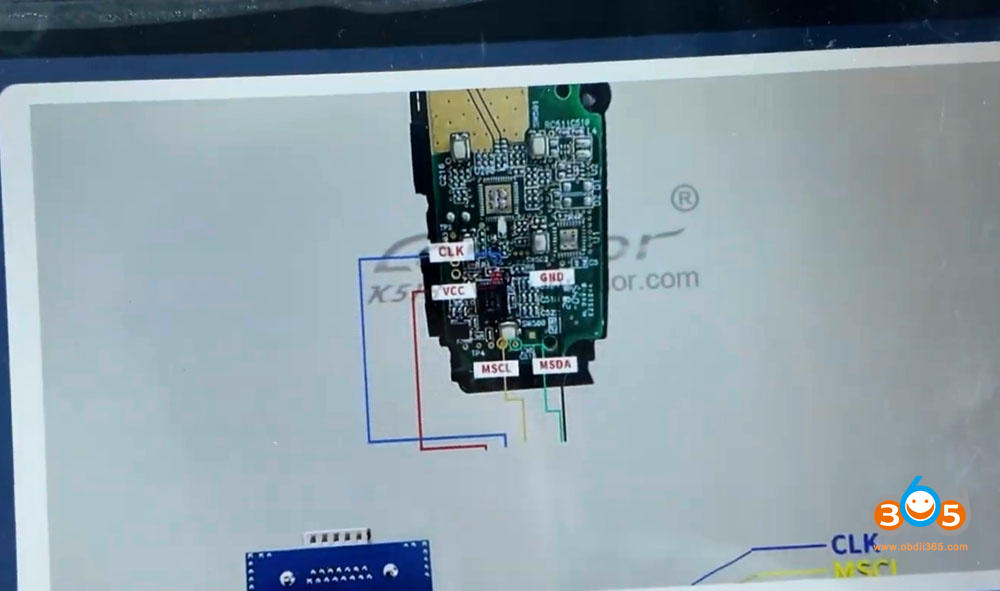
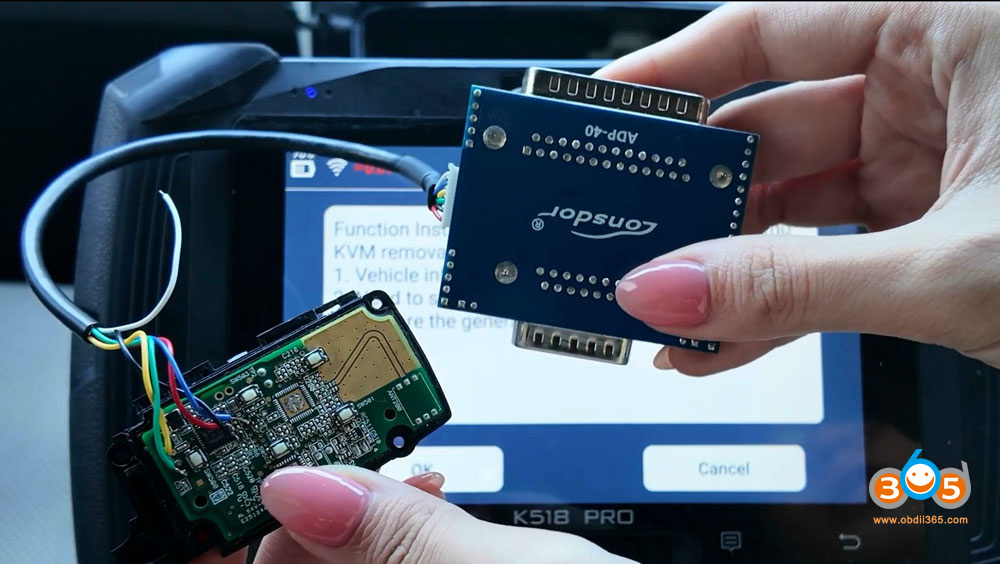
Follow K518 key wiring diagram to solder ADP40 adapter wires to the original key circuit board.
Then connect ADP40 adater wth K518 PRO.


Read and save original key data.
3. Write key/Copy key
Lonsdor will read key IDs.
The first ID is the original key ID.
Select the second key ID to write a new key.

Select copy a Lonsdor smart key.

Remove ADP40 adapter
Place the generated Lonsdor smart key into K518 key slot.
And write original key data to the new key.

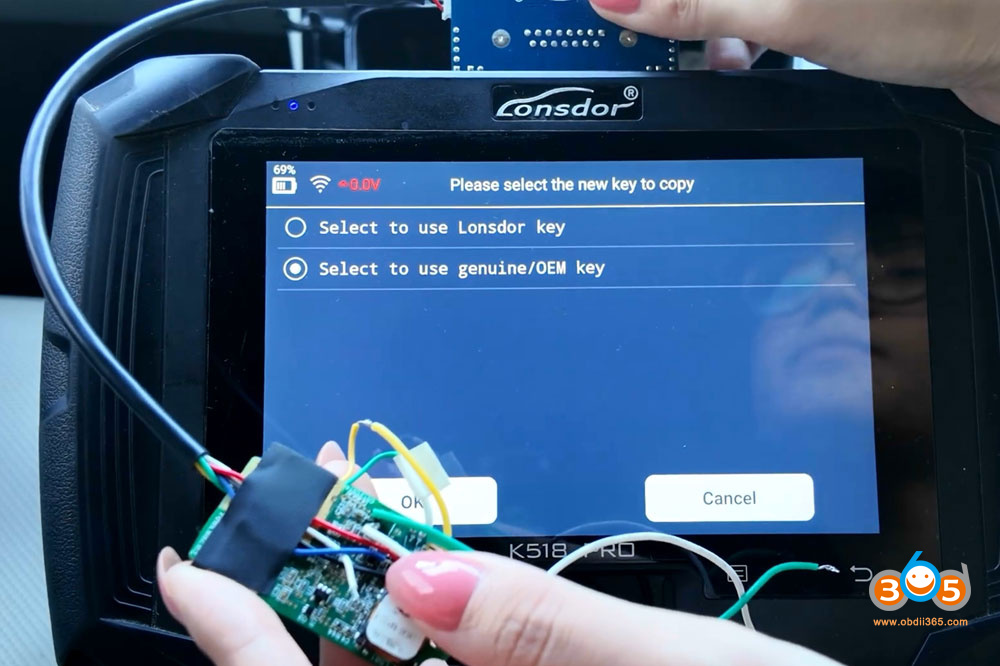
If you copy an OEM key.
Select to use OEM key.
Remove key shell of the new original key.
Solder ADP40-40 wires to the new key and write key.


Posted by: jean at
07:32 AM
| No Comments
| Add Comment
Post contains 309 words, total size 11 kb.
35 queries taking 0.196 seconds, 200 records returned.
Powered by Minx 1.1.6c-pink.